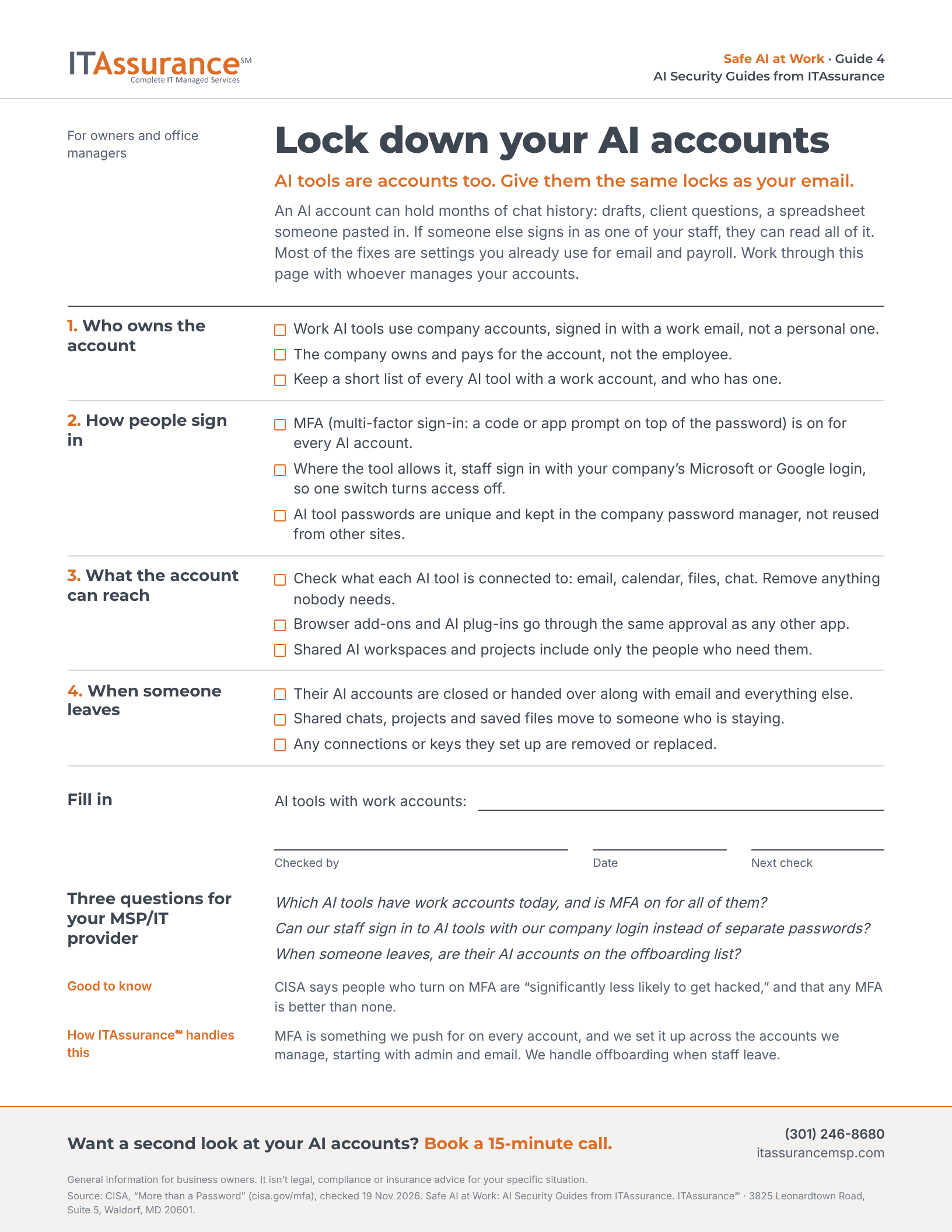
Lock Down Your AI Accounts
AI tools are accounts too. This free one-page checklist helps you give them the same locks as your email.
- Series
- Safe AI at Work
- Format
- One-page PDF
- Price
- Free
- Read it
- In about 15 minutes
- Since 2004 serving Maryland businesses
- Clients stay 8 to 10 years, some 15+
- Led by Bill Campbell, CISSP
- All IT staff are ITAssuranceSM employees
Who else can sign in to your AI tools?
An AI account can hold months of chat history: drafts, client questions, a spreadsheet someone pasted in. If someone else signs in as one of your staff, they can read all of it.
Most of the fixes are settings you already use for email and payroll.
What’s inside?
One page you can check off.
- Who owns the accountCompany accounts with work emails, owned and paid for by the company.
- How people sign inMFA on every AI account, and your company login where the tool allows it.
- Three questionsTo ask your MSP/IT provider.
Get the guide (PDF)
We’ll email you the guide.
(301) 246-8680
sales@itassurancemsp.com
Weekdays, 8:30am to 5pm.