A good managed IT services agreement tells you, in writing, exactly what’s included, how fast your provider responds, who is responsible for security, and how you get your data and accounts back if you leave. If any of those are vague or missing, ask for them in writing before you sign.
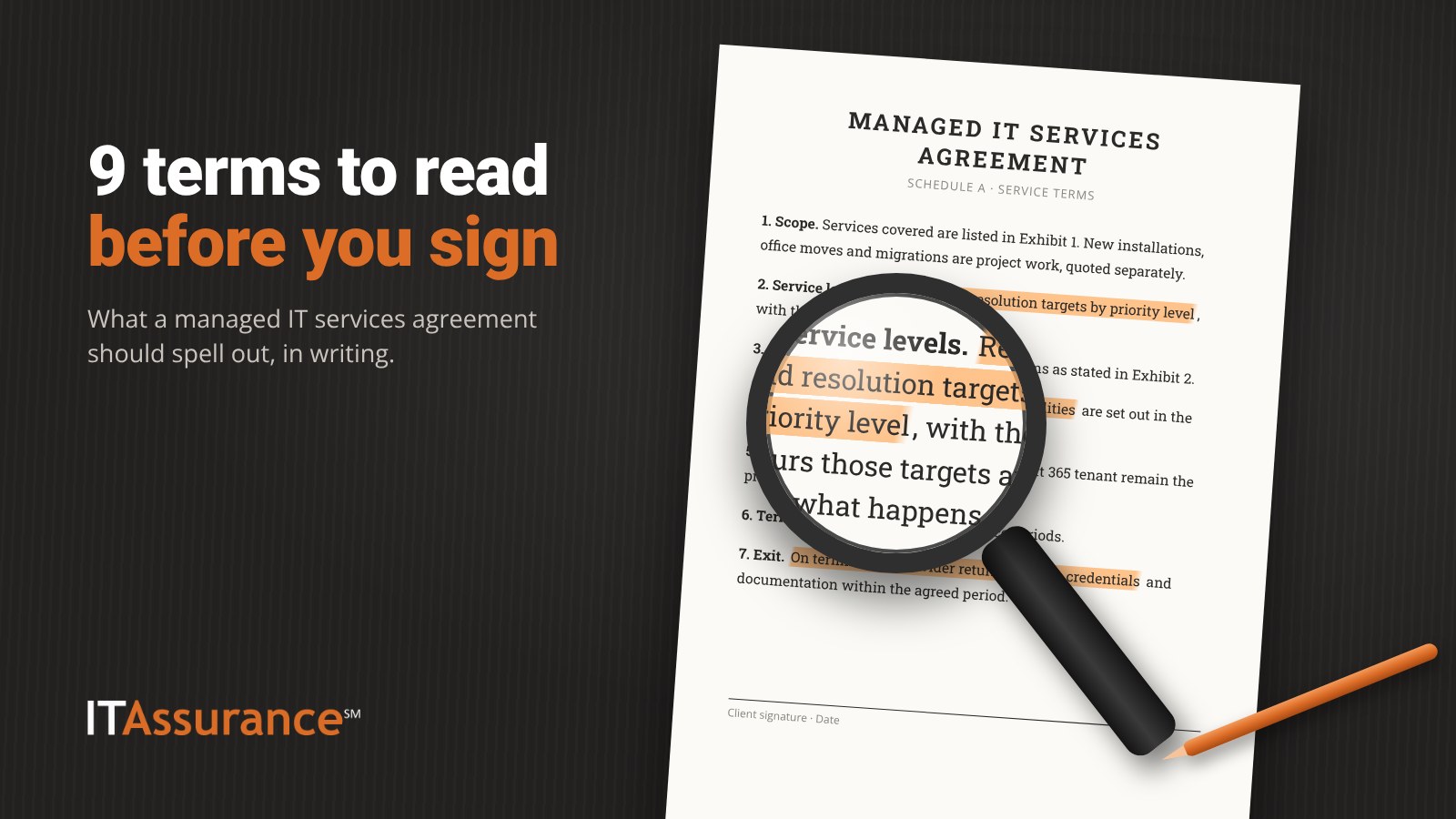
The agreement is where sales promises become obligations. Here are the nine terms to check, section by section, with a list of questions to ask any MSP/IT provider at the end.
1. What’s included, and what’s project work
The agreement should list the services covered (help desk, patching, backups, security tools, vendor management) and the things covered (users, devices, locations). Just as important is what isn’t covered. New installations, office moves and migrations are usually project work quoted separately. Ask for three examples of each so you know where the line sits.
2. Response times, written down
“Fast response” in a sales meeting means nothing until it’s in the contract. Look for:
- Response and resolution targets by priority level, with a plain definition of each level.
- The hours those targets apply, and what happens outside them.
- How to raise a request: phone, email, portal.
- What counts as an emergency, such as everyone being unable to work.
Response means someone has acknowledged your issue and started on it. Resolution means it’s fixed. A contract that only mentions one is telling you something.
3. Onsite terms
Find out when someone will come onsite, whether visits are part of the agreement, and how travel is handled. At ITAssurance℠, two hours of travel are included with every onsite visit. Whatever the terms are, they belong in writing.
4. Security responsibilities
Security gaps open when each side assumes the other is handling it. CISA recommends defining roles in the agreement using a shared responsibility model: what the provider does, what you do and what you share (CISA Insights: Risk Considerations for Managed Service Provider Customers). The same guidance recommends service levels that separate everyday IT services from security services, least-privilege access for the provider, and timely notice if the provider has a security incident.
In practice, check which security tools are included, who reviews alerts and during which hours, and who leads if something goes wrong. Every ITAssurance℠ managed IT client gets SecurityAssurance℠ Standard. It isn’t sold on its own.
5. Backups and restore testing
“We back everything up” isn’t a term. The agreement should say what is backed up (servers, Microsoft 365, laptops), where copies are kept, how long they’re kept, and whether restores are tested and the results shared with you. At ITAssurance℠, we encourage every client to review backup reports and restore-test results with us each quarter. See how DataAssurance℠ handles backup reporting.
6. Reporting
Ask what you’ll receive and how often: patch reports, backup reports, ticket summaries and a regular review meeting. ITAssurance℠ clients get monthly patch reports. If the agreement doesn’t mention reporting, you’ll only know what the provider chooses to tell you.
7. Data ownership and offboarding
The agreement should say plainly that your data is yours. It should also say how data will be returned when the relationship ends, in what format, how long the handover takes, and that the provider’s access will be removed. Ask for a written exit plan too, with any downtime scheduled at a time that suits you. Ask for passwords, network diagrams and documentation to be part of the handover.
8. Who owns your accounts and tenants
Your Microsoft 365 tenant, domain names, DNS (the settings that point your domain to your email and website), firewall and software licenses should be in your company’s name, with your company holding top-level admin access. The provider should work through access you grant. Microsoft’s granular delegated admin privileges (GDAP) are built for this: partners request least-privileged, time-bound access and customers must explicitly approve it (Microsoft Learn: GDAP introduction), and a customer can remove that relationship (GDAP FAQ). ITAssurance℠ clients own their own Microsoft 365 tenant. Our Microsoft 365 services page explains how we manage it.
When we’ve taken over from another provider, getting the tenant back hasn’t been the hard part. Waiting on the old MSP to respond has.
9. Term and termination
Check the length of the term, whether it renews automatically, how much notice you need to give, and when either side can end it early. Also check what happens to annual license commitments, which can outlast the agreement itself.
Questions to ask before you sign a managed IT services agreement
Take this list to every provider you’re considering and ask for the answers in writing:
- Which services, users, devices and locations does the agreement cover?
- What work is billed as a project? Can you give three examples?
- What are your response and resolution targets by priority, and during which hours?
- When do you come onsite, and how is travel handled?
- Which security tasks are yours, which are mine and which are shared?
- Who reviews security alerts, and during which hours?
- What is backed up, how long is it kept, and will I see restore-test results?
- What reports will I receive, and how often will we review them together?
- Are my Microsoft 365 tenant, domains and firewall in my company’s name, with my company holding top admin access?
- If I leave, how do I get my data, passwords and documentation back, and how quickly?
- What is the term, does it renew automatically, and what notice ends it?
CISA also recommends having counsel review MSP contracts where appropriate. For anything significant, that’s worth doing.
How ITAssurance℠ handles it
ITAssurance℠ is a managed service provider (MSP) serving Maryland businesses with 10 to 250 users. Before you sign, we put pricing and terms in writing in a master services agreement (MSA), managed security services agreement (MSSA) or statement of work (SOW), so you can check every item above against the actual document. Read more about our managed IT services.
Talk to us about what an ITAssurance℠ agreement covers, or call (301) 246-8680.
Frequently asked questions
What is a managed IT services agreement?
It’s the contract between your business and your MSP/IT provider. It defines the services and users covered, service levels, who is responsible for what, the term, and how the relationship ends. It’s often a master agreement with schedules or statements of work attached.
What’s the difference between response time and resolution time?
Response time is how quickly the provider acknowledges your request and starts work. Resolution time is how quickly the problem is fixed. A good agreement states targets for each, by priority, and the hours they apply.
Who should own our Microsoft 365 tenant?
Your business should. The tenant, domain names and key admin accounts should be in your company’s name, with your provider working through access you approve and can remove.
What should happen to our data if we change providers?
The agreement should say your data is yours, how and in what format it will be returned, how long the handover takes, and that the provider’s access will be removed. It should also cover passwords and documentation.
General information for business owners. It isn’t legal, compliance or insurance advice for your specific situation.
Services, inclusions and terms vary by agreement. ITAssurance℠ provides pricing and terms in writing, in your MSA, MSSA or SOW, before you sign. Nothing here is a quote or an offer.